• Pricing
  • Instant Interpreters Whenever You Need..

    Professional interpretation for any situation. Follow our guide to set up your subscription and connect with an expert instantly.

    Before You Call

    Essential information for a smooth experience.

    One Email Policy

    Each user is restricted to one unique email address. This ensures security and accurate billing across your subscription sessions.

    Password Notifications

    Password reset and security emails are sent instantly. If you don’t see them, please check your Spam or Junk folder.

    Manage Payments

    You can update your credit card on file at any time via the billing section in the app. All updates are synchronized with Stripe.

    Service Policies

    We recommend reviewing our Terms of Usage and Service Policies before purchasing your subscription.

    New User Guide

    First time using professional interpretation? View our full documentation on how to maximize your sessions effectively. (View below)

    Video Tutorial

    Prefer a video guide? Watch our detailed walkthrough on how to navigate the app and call an interpreter on-demand.

    Step-by-Step Instructions

    Install Dovi App

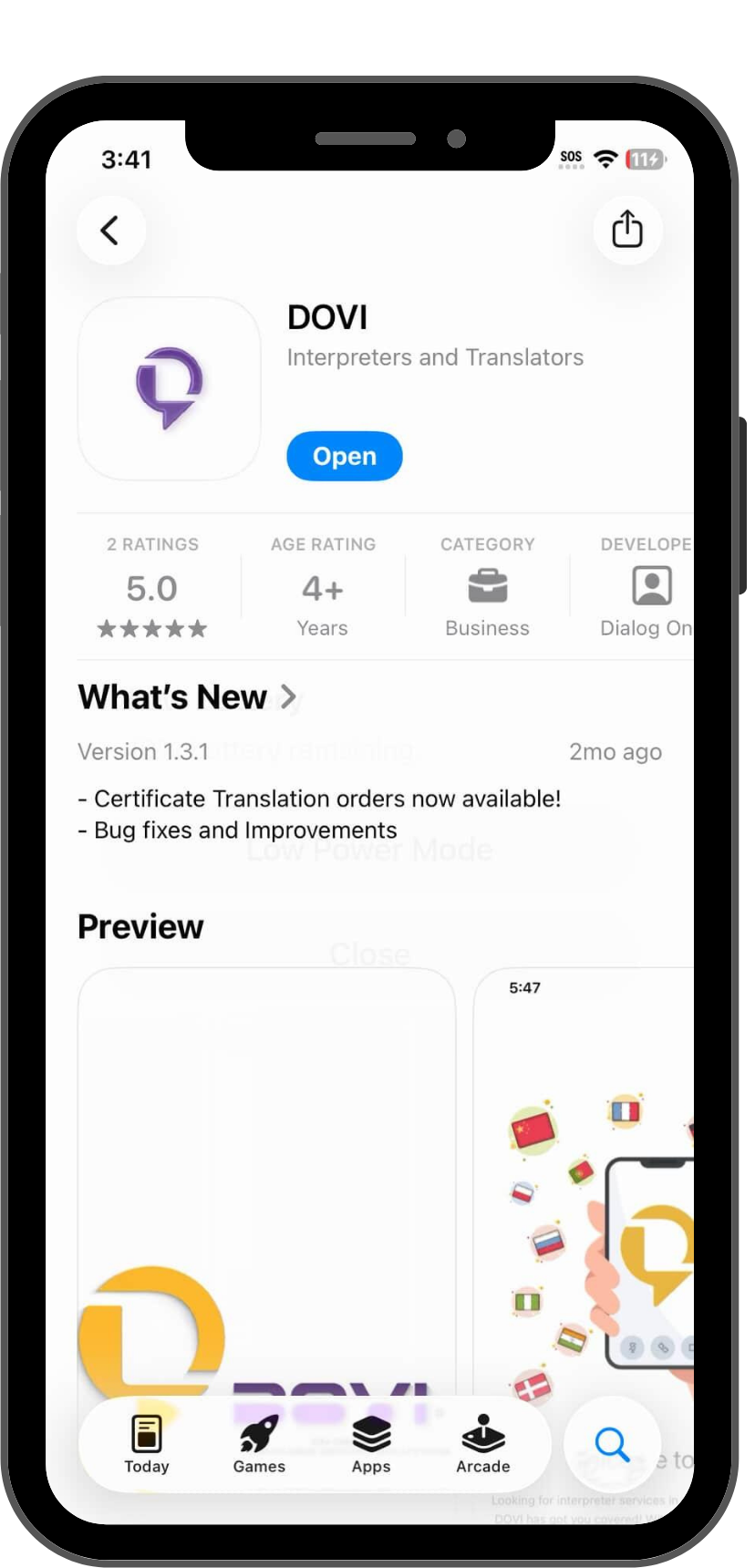
    Download our secure platform from the App Store or Google Play. Ensure you have the latest version for the best audio and video quality.

    Register & Secure Your Account

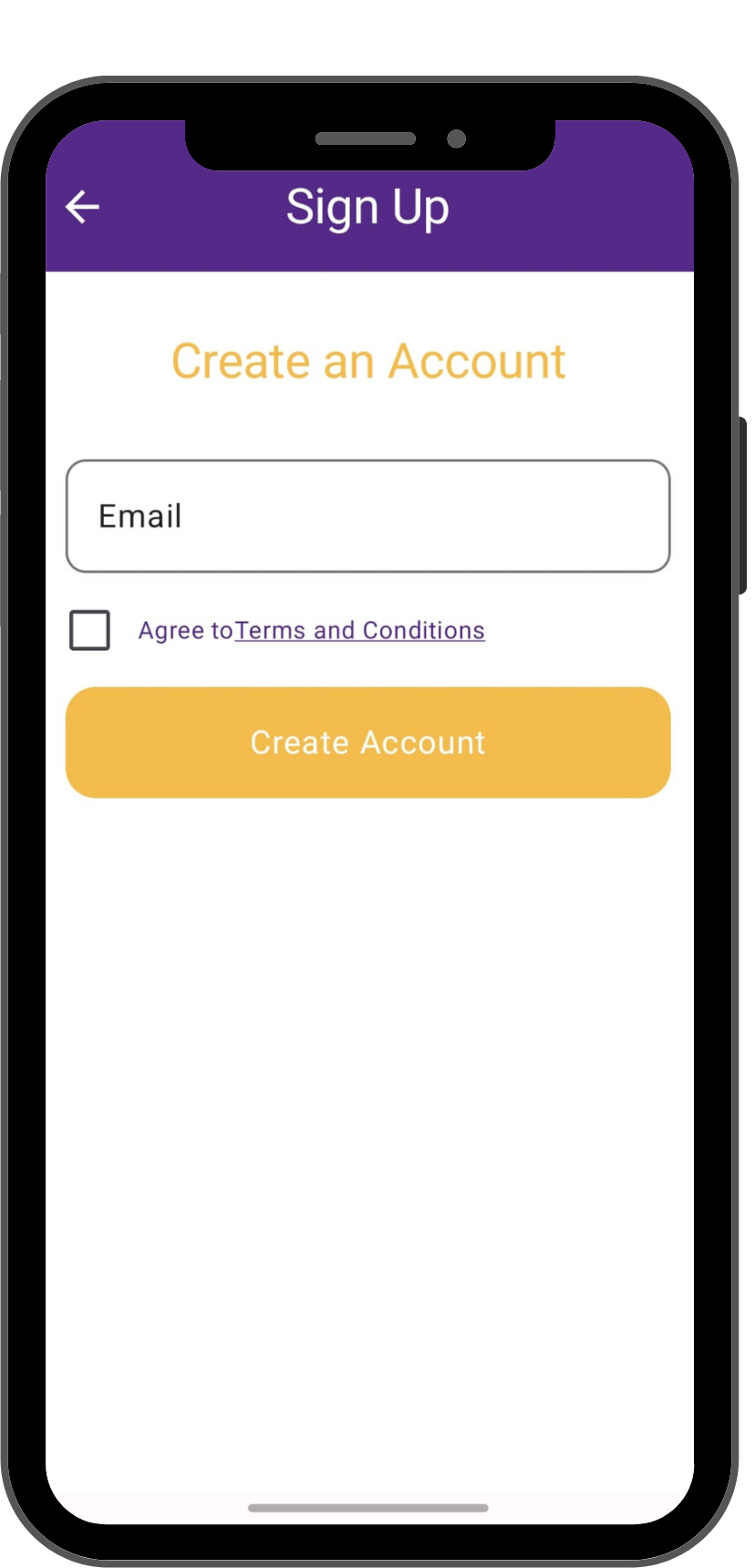
    Create your account using your primary email address. Please note that we allow only **one email per registered account**.

    Check your spam folder for your confirmation or password reset emails.

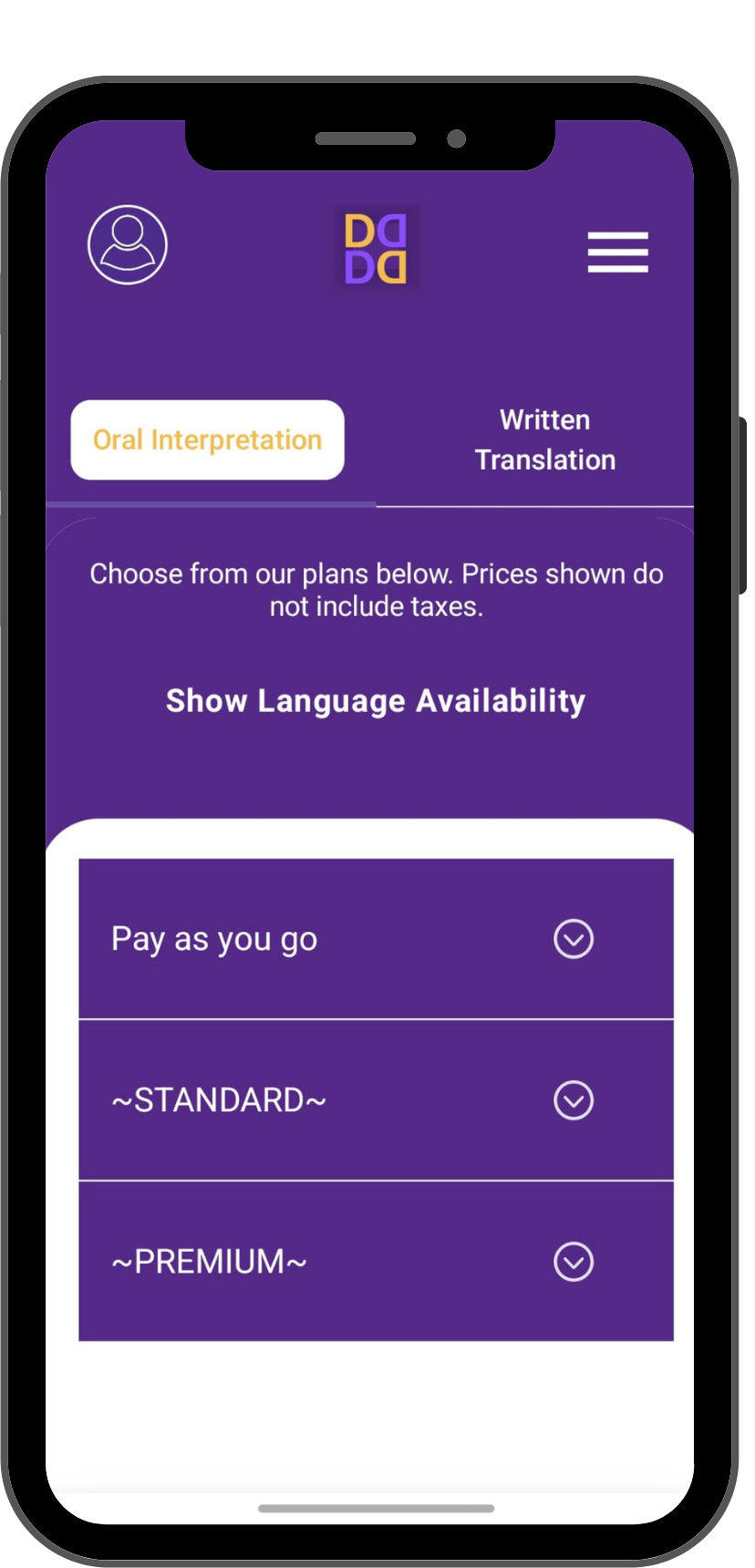
    Select Subscription

    To place a call, you must choose a subscription plan that fits your volume needs. All payments are securely processed through Stripe.

    Once your payment is confirmed on Stripe, your account is immediately activated for live calls.

    Start Your Session

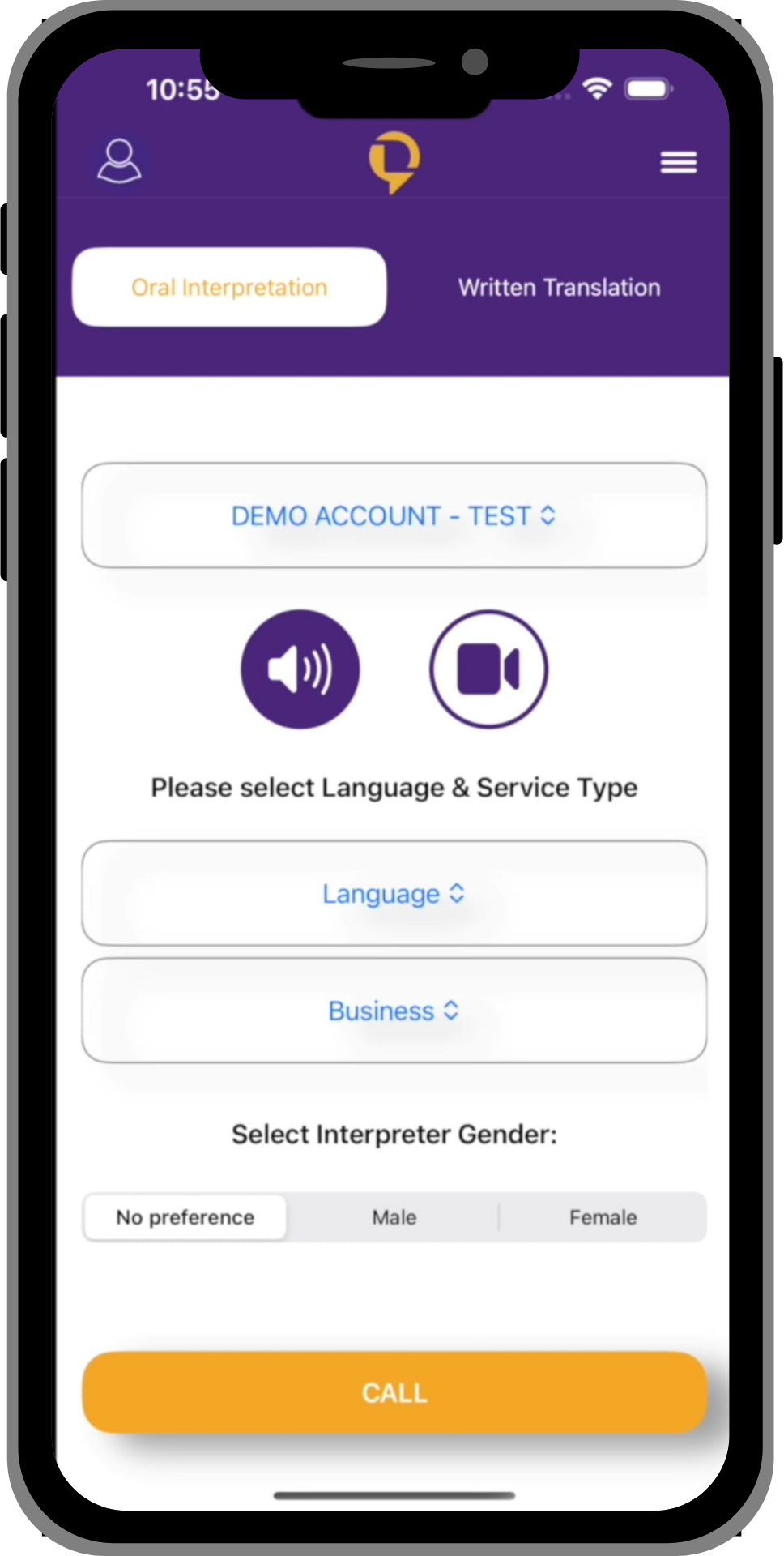
    Stay on the Interpreter Services tab. Select your language from the live list and tap the call button. You’ll be connected to a professional in seconds.

    Add a Third Party

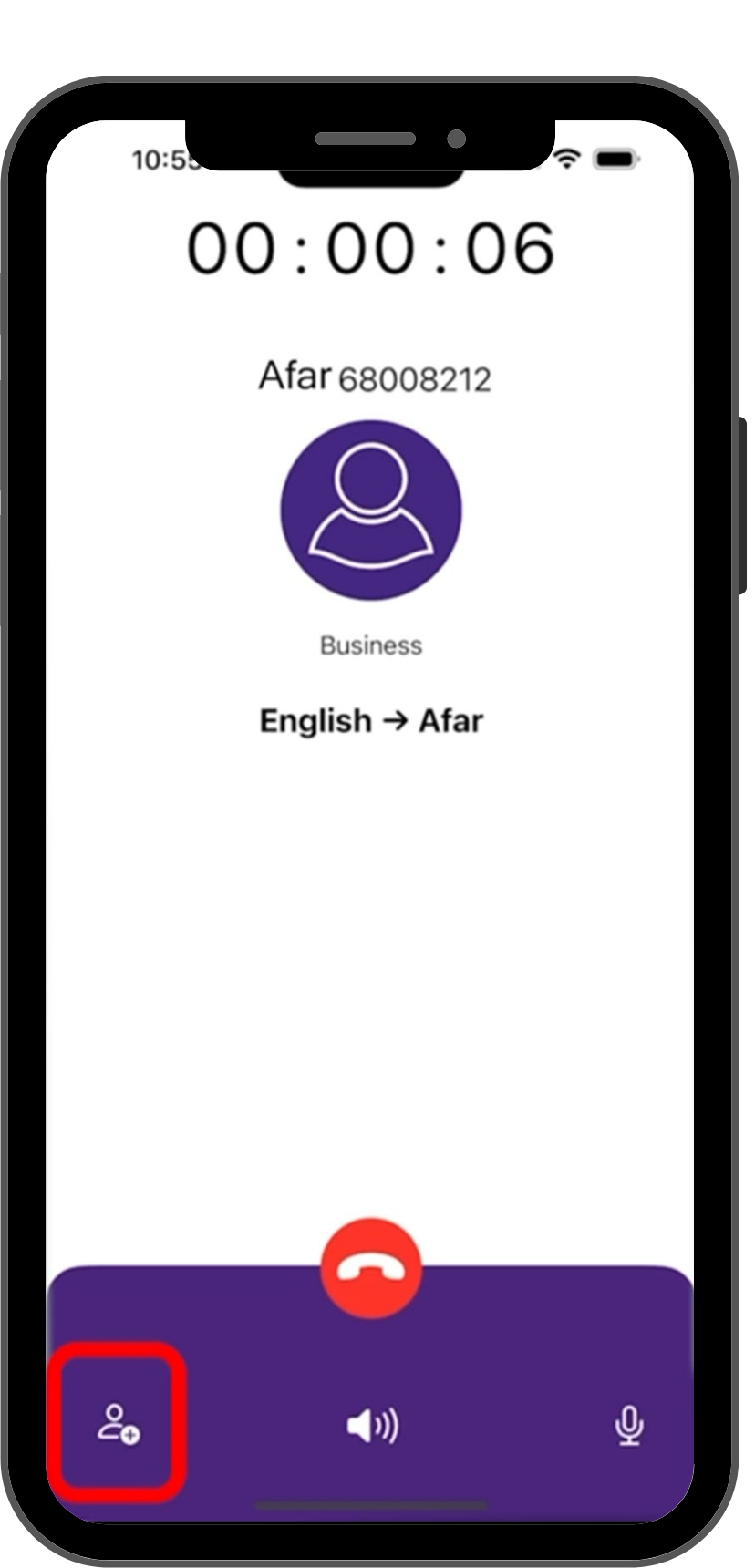
    Need to connect the interpreter with someone else? While on a call, simply tap the Plus (+) sign on your screen.

    This will open a dial pad, allowing you to call out to any third party and bring them into the conversation instantly.

    Ready to Break Down Language Barriers?

    Download DOVI today and gain a world of understanding in your pocket. Your first step to seamless communication starts now.
    Get Your Translation Quote Now

    To provide you with the most accurate pricing, we’ll need a few details about your document. Please create a quick account to start your quote request!

    Create Account & Get Quote